¶ Receiving an invitation
A site or organisation manager can add a user to their eLandfill accounts and define the access rights. Once they have added a user with an email and a name, the new user will receive an email inviting them to the platform.
ATH: It is possible that your email provider or your organization blocks emails coming from eLandfill platform services. If you do not receive emails from eLandfill, we advise you to check your SPAM box or be in contact with your IT admin.
¶ First-time connection
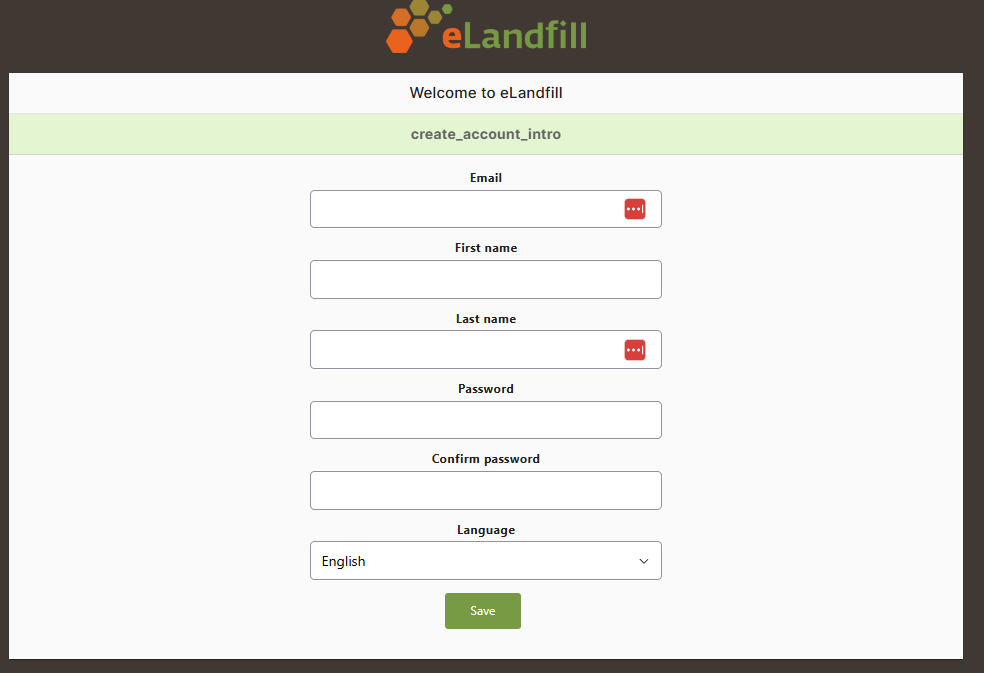
Even if a password has been attributed by the admin, during first connection, the user will be asked to update his/her password. Follow the link from the invitation email and confirm yoru information along with the new password and language preferences. Click on SAVE.
¶ Login page
¶ Forgot your password ?
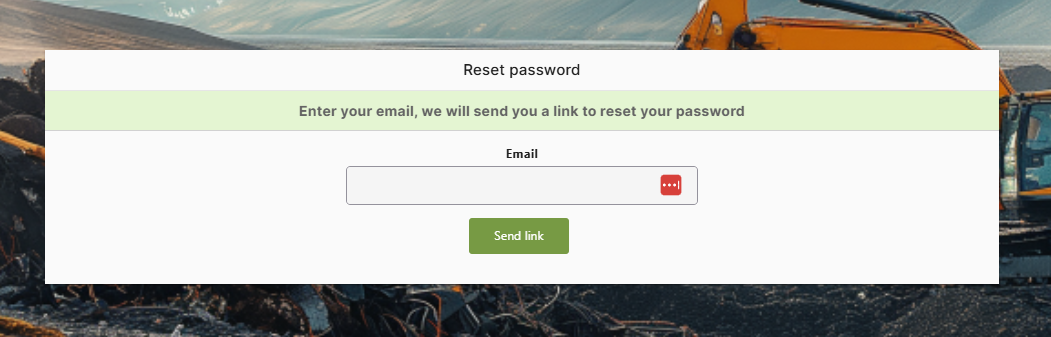
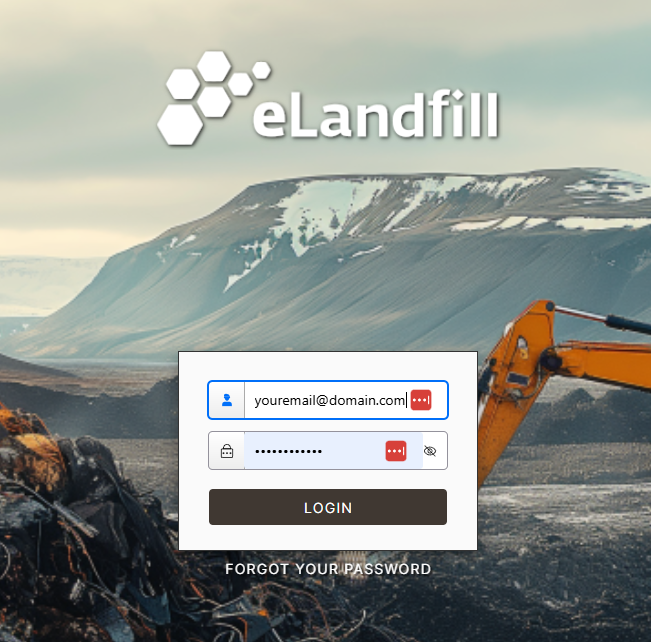
If you have forgotten your password you can create a new one. From the login page, click on “FORGOT PASSWORD” and enter your email address. Click on Send Link. Check your emails and follow the new link there to update your password.